😂
Triviamoji
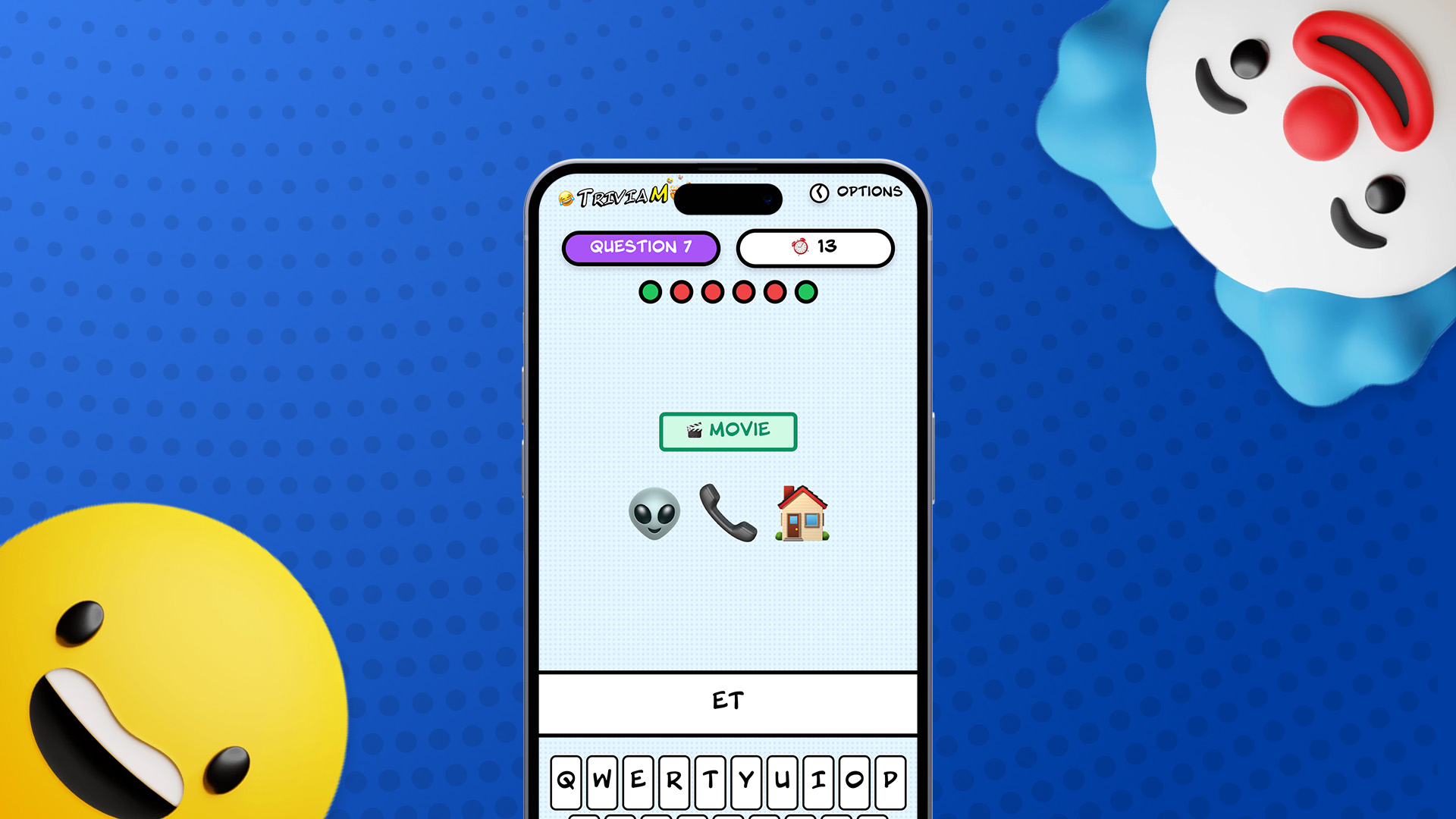
A marathon emoji trivia game
💡 The Pitch
In a weeklong break between agency contracts, I wanted to finally execute on a game idea I’d had for years.
This entire project was designed, built and deployed within one week, of which most was question writing!
🤔 The Problem
This is not a new idea.
You may have seen these types of games in Buzzfeed quizzes, or newspapers, or on viral Facebook posts.
They’re fun, they tickle the brain and provide a fun way to kill five or ten minutes at the bus stop.
But as much as I looked, I had never seen it really “gamified”.
Often these games existed as static pictures, with no feedback, and only as many questions as could fit on the image file. This meant a hard cap of 10 questions, much fewer on mobile.
I wanted to create something that took that idea to the next level.
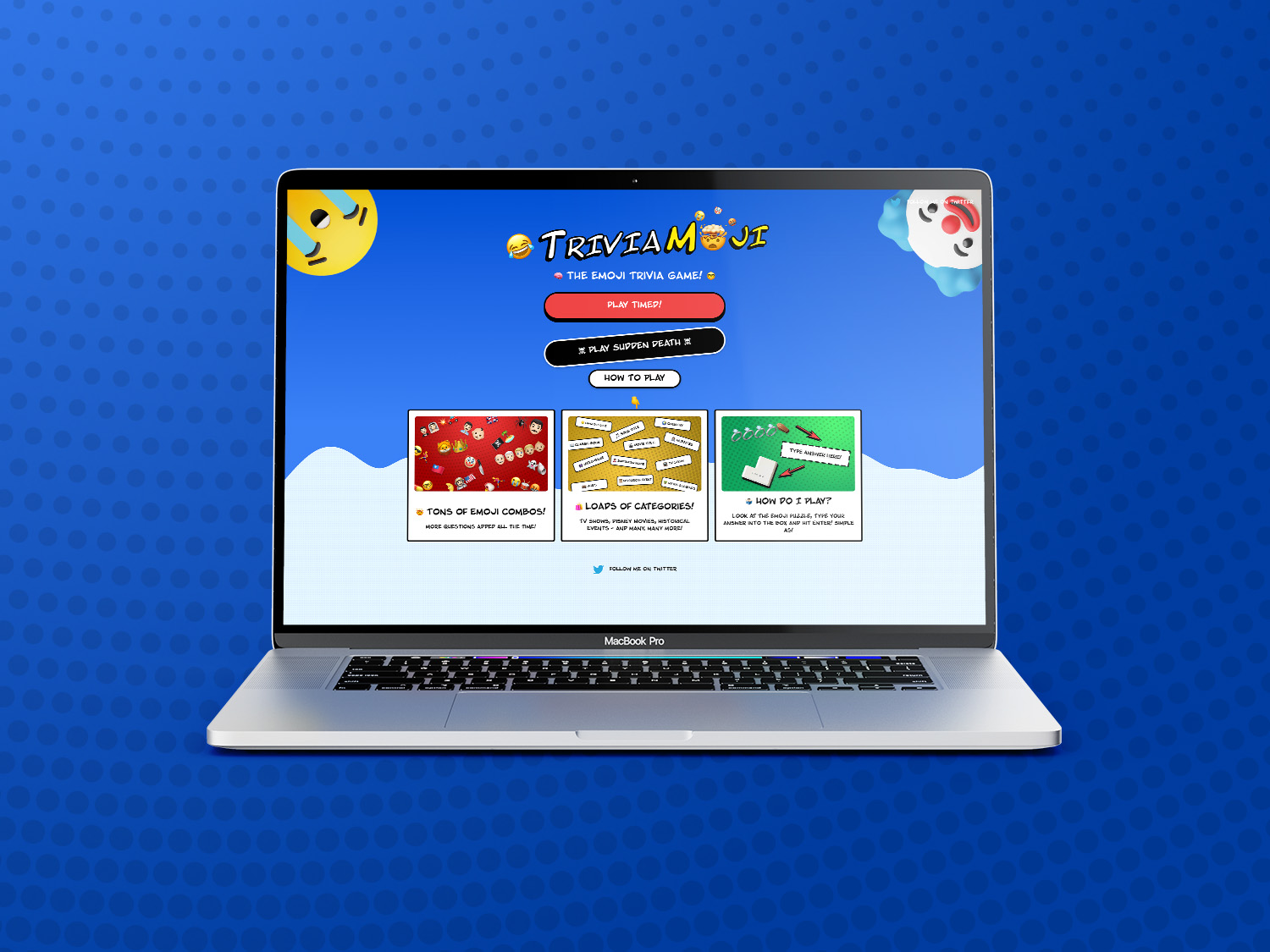
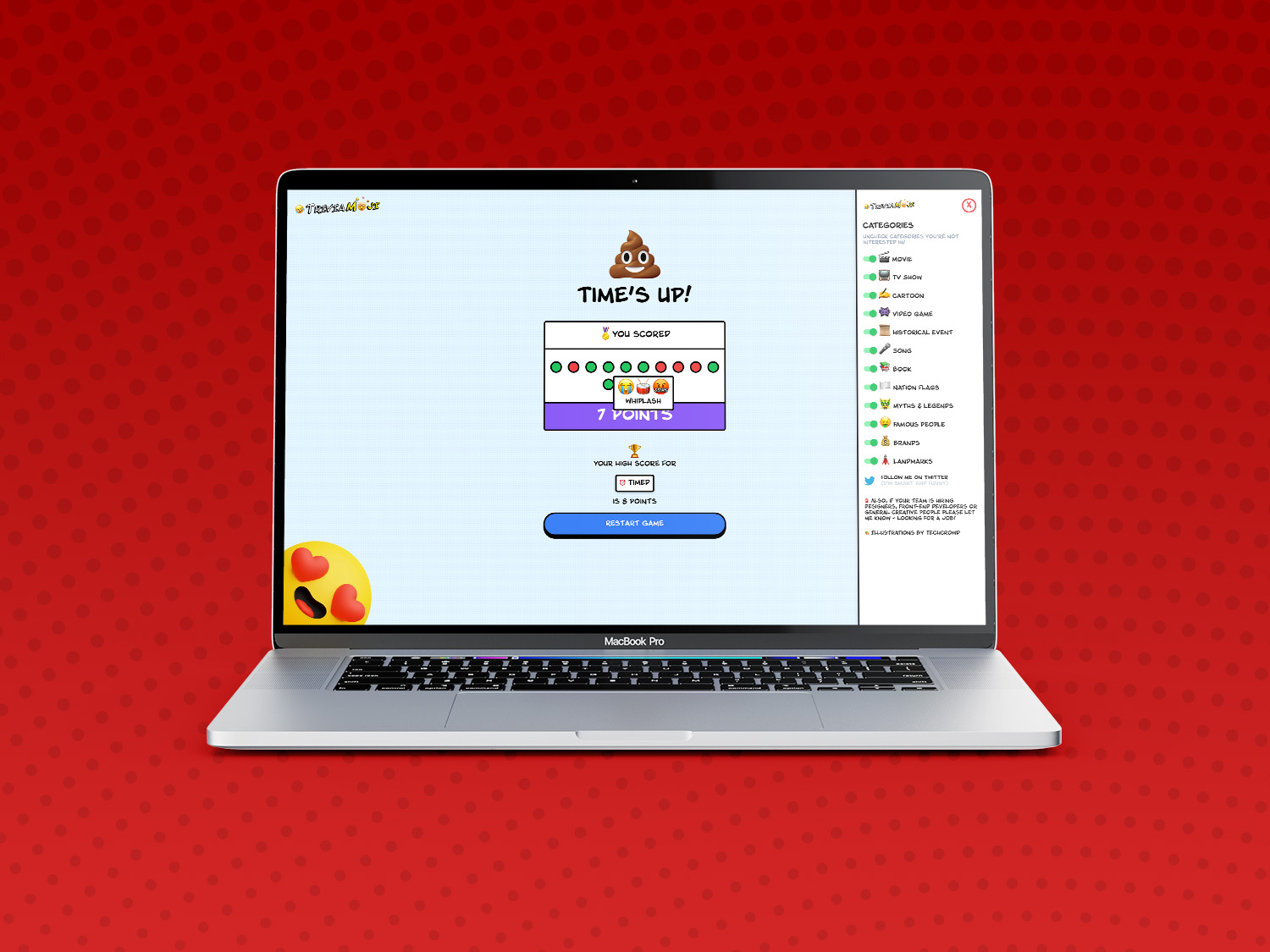
Many more questions, with different categories ranging from TV and Movies to Historical Events, Famous People and even Country Flags.
An almost infinite number of questions for a “Quick Fire” mode, to see how many you could answer in 60 seconds was the MVP, but when I had a little extra time I also coded a “Sudden Death” mode for those who like a little danger with their trivia.
🎨 The Design
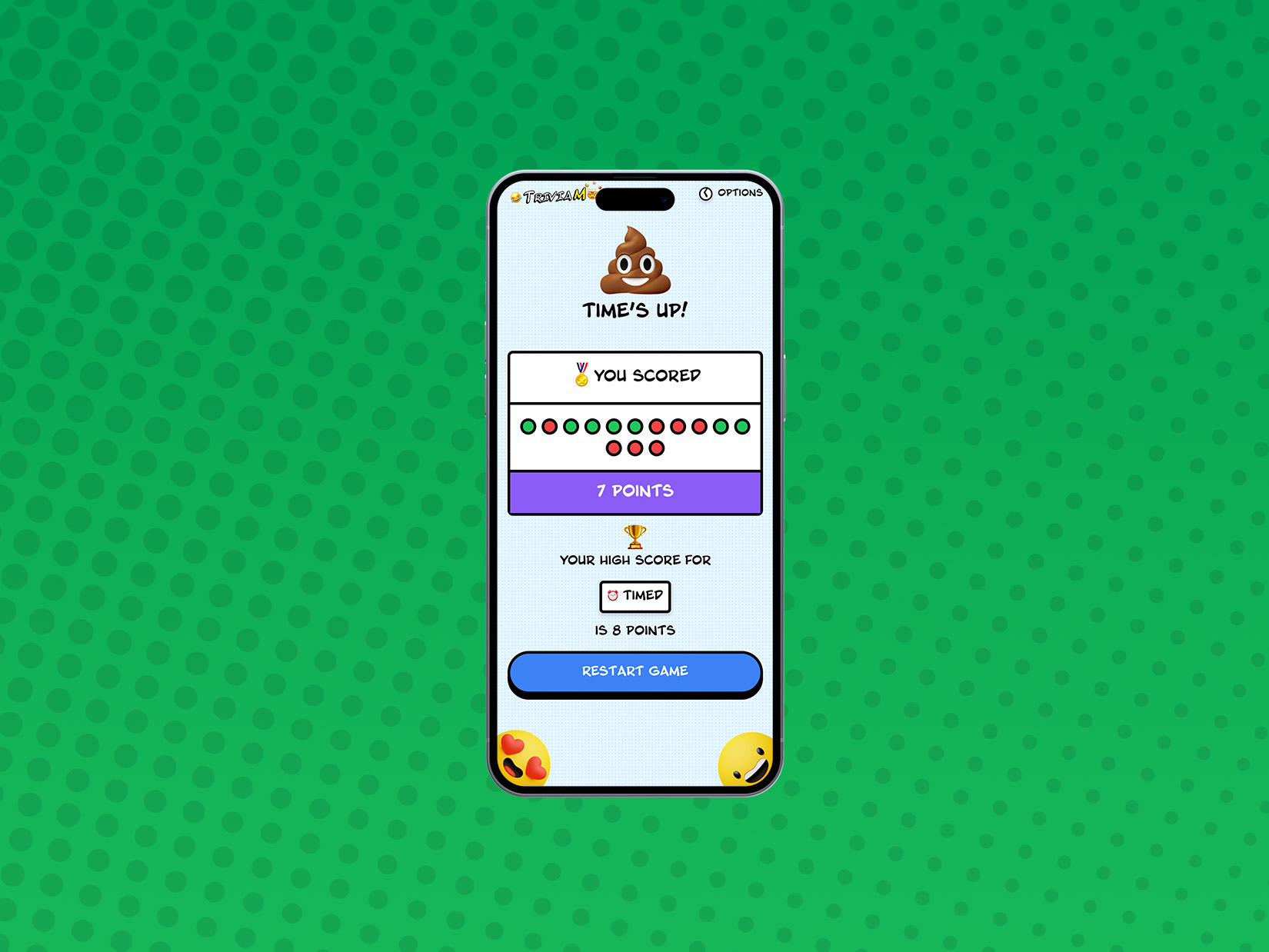
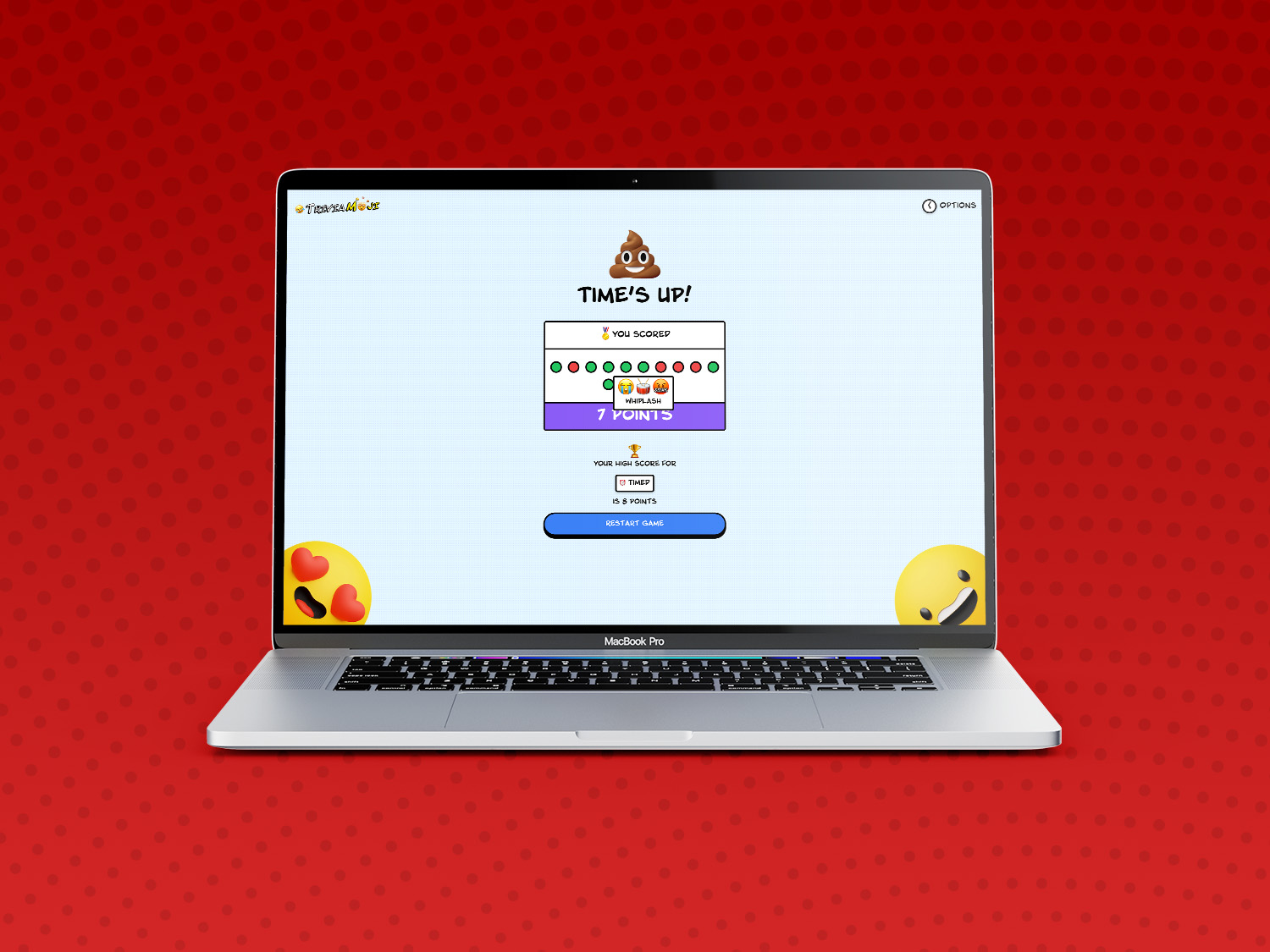
The design is pulpy, bright and fun with a very strong focus on clarity, ease of wayfaring and simplicity.
I drew heavily from my love of retro comic book aesthetics, through the use of hyper-saturated colours, strong black outlines, combined gradients and “Ben Day Dots”, as well as the iconic Blambot font.
The game screen is kept mainly clear, with a few cute images and emojis to spice things up on the end screen.
🔨 The Build
Although Game Logic is never as simple as you hope its going to be, putting the app together wasn’t too much of a headache.
Built entirely on the front end with Next.js and React, using a local JSON store for questions and answer variant mechanics, this is a super lightweight solution.
High scores and disabled categories are stored in the browser’s Local Storage, so it automatically remembers if you want to disable Country Flags (also my weak point!)
I used Framer Motion for some simple state animations, and all CSS was implemented with Tailwind and SASS.
The original v1 build utilised the native input field and mobile keyboard, but I removed it in favour of easier cross-platform compatibility, and created a Wordle-style static keyboard instead.
The finished app was compiled and is running on a Linode VPS.
You can see the full source code on my GitHub, and you can play the game at www.triviamoji.com - have fun!
🤩